
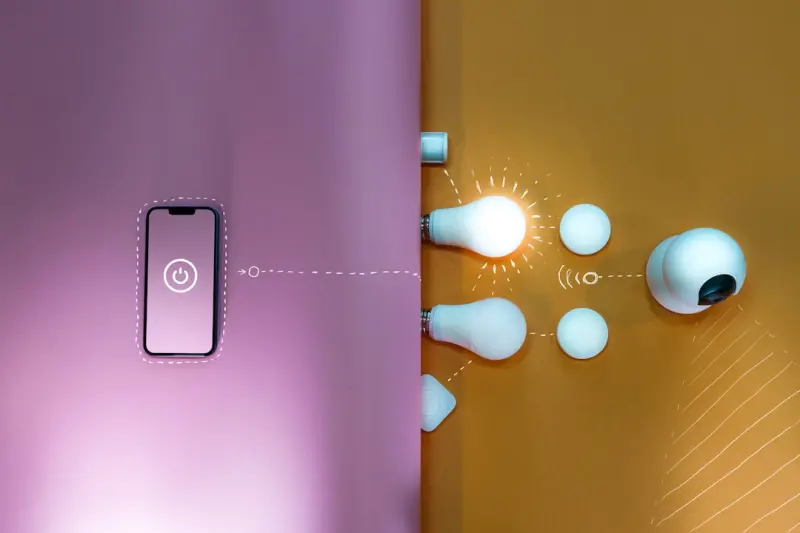
When I first moved into my new apartment, I thought the biggest challenge would be finding enough wall space for my books and a decent spot for my laptop. What I didn’t anticipate was how dramatically the quality of light could hijack my energy, focus, and even my sleep. A few weeks of staring at harsh, blue‑tinted LEDs left my eyes gritty and my evenings restless. That’s when I started digging into the science of lighting and realized there’s an entire toolbox of inexpensive, high‑impact tricks that can turn any home—from a cramped studio to a sprawling house—into a well‑tuned productivity hub and a soothing sanctuary.
Why Light Matters More Than You Think
Most of us treat light as a background element—something we turn on or off without a second thought. But light is a powerful biological signal. It regulates our circadian rhythm, influences hormone production, and can even affect cognitive performance. The Ambient Soundscapes post highlighted how auditory cues can shape mental health; the same principle applies to visual cues. When the light in a room aligns with our body’s natural rhythms, we feel sharper, calmer, and more rested.
In the home‑office era, we spend an average of eight to ten hours a day under artificial lighting. That’s a huge exposure window where the wrong kind of light can cause eye strain, headaches, and a dip in productivity. Conversely, the right lighting can make a modest desk space feel like a high‑end coworking hub, and a simple living room can become a restorative retreat after a long day.
Understanding Color Temperature: Warm vs. Cool
Color temperature, measured in Kelvin (K), tells us how “warm” or “cool” a light appears. Warm light (around 2,700–3,000 K) casts a soft, amber glow—think sunset or a candlelit dinner. Cool light (4,000–6,500 K) leans toward blue‑white, mimicking daylight at midday. Here’s a quick cheat sheet:
- 2,700–3,000 K: Ideal for evenings, reading, and winding down.
- 3,500–4,000 K: Great for kitchens and bathrooms where you need clarity without harshness.
- 5,000–6,500 K: Perfect for work zones, home offices, and task‑oriented areas during the day.
When you match the light’s temperature to the activity, you’re essentially giving your brain the visual cues it needs to stay alert or relax. The science behind this is simple: blue wavelengths suppress melatonin, the hormone that tells us it’s time to sleep. That’s why exposure to cool light after sunset can push your bedtime later, while warm light after 7 p.m. helps cue your body for rest.
Mapping Light Zones in Your Home
Think of your home as a series of “light zones,” each with its own purpose:
- Focus Zone – The work desk, study nook, or craft table.
- Transition Zone – Hallways, entryways, and staircases that move you between spaces.
- Relaxation Zone – Living room, bedroom, or any area where you unwind.
Designing each zone with the appropriate lighting style prevents visual fatigue and creates a seamless flow from “on‑the‑go” to “off‑the‑grid.” Below, I’ll walk you through practical steps for each zone, using items you probably already have or can acquire for under $100.
Step‑by‑Step: Crafting the Perfect Focus Zone
1. Layer Your Light
Don’t rely on a single overhead fixture. Layering combines three types of light:
- Ambient – General illumination, usually from a ceiling fixture.
- Task – Direct light that highlights the work surface, often a desk lamp.
- Accent – Decorative or mood lighting, such as a small LED strip behind a monitor.
For a home office, start with a dimmable LED ceiling light set to 5,000 K. Add a sleek, adjustable desk lamp that can swing between 4,000 K (for reading) and 5,500 K (for intense focus). Finally, place a subtle LED strip under the desk lip, set to a soft amber hue. This tri‑layered approach reduces glare, eliminates shadows, and keeps your eyes comfortable for hours.
2. Embrace Adjustable Color Temperature
Smart bulbs are a game‑changer. Brands like Philips Hue or LIFX let you schedule temperature shifts. Set a “Morning Boost” routine that ramps up to 6,500 K at 7 a.m., gradually dimming to 4,500 K by 10 a.m. In the afternoon, dip to 5,000 K, and by early evening, transition to 3,000 K. This mimics natural daylight patterns and keeps your circadian rhythm in sync.
3. Reduce Glare on Screens
Glare isn’t just annoying—it’s a productivity killer. Position your monitor at a 90‑degree angle to any windows, and use an anti‑glare screen protector if needed. Add a bias lighting strip behind the monitor; a warm white (3,500 K) hue reduces eye strain by providing a constant, low‑level reference point.
Step‑by‑Step: Optimizing the Transition Zone
Hallways often get the short end of the stick—overhead fluorescents that flicker, or a single bare bulb that casts uneven light. A well‑lit transition zone sets the tone for the rest of the home.
- Install Motion‑Sensor LEDs: A motion sensor ensures the light only turns on when you need it, saving energy and preventing that “on‑off” feel. Choose a sensor that offers a 3,000–4,000 K output for a neutral, welcoming vibe.
- Use Wall Sconces with Dimmers: Sconces add visual interest and allow you to fine‑tune brightness. A dimmable 2,700 K sconces create a cozy pathway that subtly signals the brain to relax as you move toward your bedroom.
- Integrate a Slim LED Strip: For modern apartments, a thin, adhesive LED strip along the baseboard can add a gentle wash of light without cluttering the space.
Step‑by‑Step: Designing the Relaxation Zone
Evening lighting is where you get to be creative. Your living room and bedroom should feel like a sanctuary after a long day of screen time.
1. Soft Warmth is Key
Swap any harsh white bulbs for warm 2,700 K LEDs. If you love reading in bed, a small clip‑on lamp with a 2,500 K bulb will give you just enough light without disrupting melatonin production.
2. Add Dimmer Switches
Manual dimmers are inexpensive and give you tactile control. Even better, connect your smart bulbs to a voice assistant and set “movie mode” scenes that dim everything to 15% and shift the hue to a soothing amber.
3. Leverage Natural Light
During daylight hours, pull back heavy curtains and let sunlight flood the space. Sunlight is the ultimate full‑spectrum light, delivering both visual clarity and Vitamin D. If privacy is a concern, use sheer panels that diffuse the light while maintaining seclusion.
Budget‑Friendly Tools and Resources
If you’re skeptical about overhauling your entire lighting system, start small. Here’s a low‑cost checklist that can be completed in a weekend:
- Smart LED Bulb (2‑pack) – $20–$30. Choose tunable white.
- Adjustable Desk Lamp – $15–$25. Look for LED with color temperature settings.
- Motion‑Sensor LED Strip – $10–$15. Perfect for hallways.
- Mini Dimmable Sconce – $12–$18. Adds ambiance to entryways.
- Bias Lighting Kit – $10–$20. Reduces monitor glare.
All of these items can be found at major retailers or online marketplaces. The total investment typically stays under $100, yet the payoff—reduced eye strain, better sleep, and higher productivity—is priceless.
Integrating Light with Other Home‑Wellness Systems
Lighting doesn’t exist in a vacuum. Pair it with other wellness hacks for a holistic effect. For example, the Micro‑Movement Breaks article highlighted how short physical nudges boost cognition. Combine that with a 5‑minute “light reset”—stand, look away from the screen, and let the ambient warm light fill your field of vision. This two‑pronged approach recalibrates both your body and mind.
Another synergy is with Ambient Soundscapes. Pair a soft rain soundtrack with dimmed warm lighting in your bedroom, and you’ve created a multi‑sensory sleep cue that can shave minutes off the time it takes to drift off.
Advanced Tips for Tech‑Savvy Homeowners
If you love tinkering, consider these advanced integrations:
- IFTTT Automation: Set an “Arrive Home” trigger that turns on a warm 2,700 K light at the entryway, then after five minutes, switches to cool 5,500 K in the office space. This mimics the natural progression from relaxation to focus.
- Home Assistant Scenes: Build a “Focus” scene that dims ambient lights to 30%, sets the desk lamp to 5,500 K, and starts a white‑noise playlist. One tap, and you’re ready to dive into deep work.
- Energy Monitoring: Use a smart plug with power‑usage stats to track how often your lights are on. Aim for a 10% reduction in evening lighting after you switch to warmer bulbs—this not only saves money but also reduces blue‑light exposure.
Measuring Success: How to Know Your Lighting is Working
It’s easy to assume that a new lightbulb will magically improve everything. To verify the impact, keep a simple log for two weeks:
- Note your energy levels at three checkpoints: morning, midday, and evening.
- Record any eye discomfort or headaches.
- Track sleep quality using a sleep‑tracking app (look for changes in REM cycles).
If you see a consistent upward trend in focus during work hours, fewer eye‑related complaints, and smoother transitions into sleep, congratulations—your lighting strategy is paying off.
Wrapping It Up: Light as Your Home’s Quiet Superpower
Lighting is often overlooked because it’s invisible until it isn’t. By treating light as a strategic tool—one that you can calibrate, schedule, and blend with sound and movement—you unlock a quiet superpower that fuels productivity, nurtures relaxation, and even trims your energy bill.
Start with one zone, test a few bulbs, and observe the changes. The next time you walk into a well‑lit room, you’ll notice the subtle shift in mood and clarity, and you’ll know you’ve just taken a small but mighty step toward a healthier, more efficient home.

Robert Mathews is a professional content marketer and freelancer for many SEO agencies. In his spare time he likes to play video games, get outdoors and enjoy time with his family and friends .
Related Posts
10 Everyday Home Hacks to Streamline Your Space
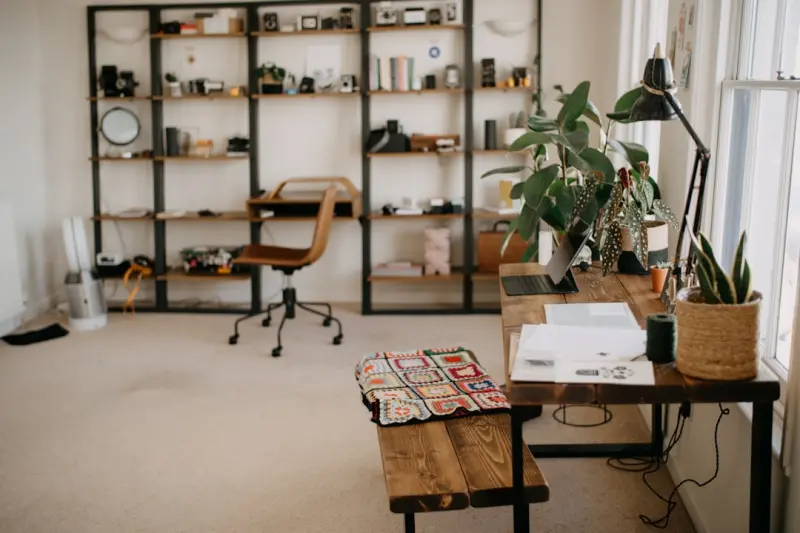
Learn ten easy, budget‑friendly home hacks that turn cluttered chaos into an efficient, calming sa... Read More
Breathe Easier: Simple Home Hacks for Cleaner Air
This post offers practical, DIY-friendly strategies to improve indoor air quality, from ventilation ... Read More
Designing a Home Sanctuary That Fuels Focus and Well‑Being
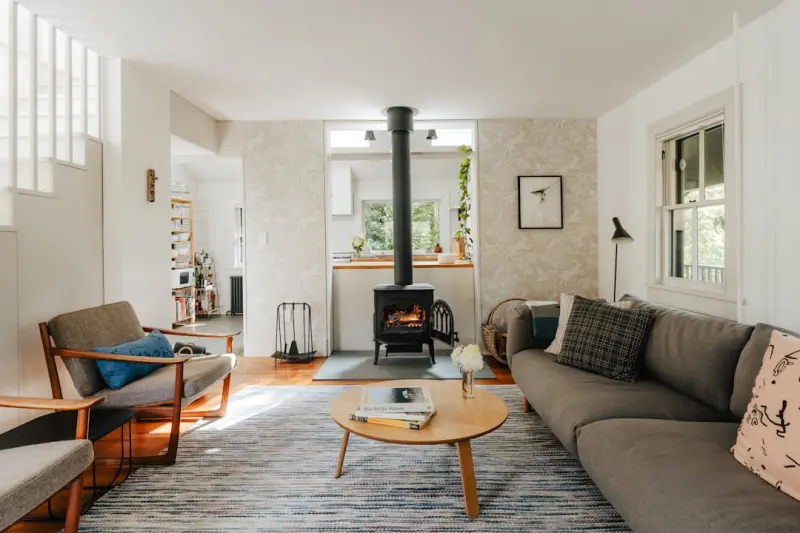
Learn how to turn a simple corner of your house into a focused, calming workspace using lighting hac... Read More
Top Posts

Harnessing Dark Social: Turning Private Shares into Powerful Growth
Explore the hidden world of dark social, learn to track private shares, and turn whispered recommendations into measurable marketing growth....Read More

Turning Trips Into Skill‑Building Bootcamps
Learn to design travel experiences that intentionally develop workplace skills— from negotiation to strategic planning—turning every trip into a mobile incu...Read More

Micro‑Movements: Tiny Actions, Massive Gut Health Benefits
Learn why small, frequent movements, mindful hydration, and simple post‑meal walks are the secret weapons for a thriving gut and lasting energy....Read More
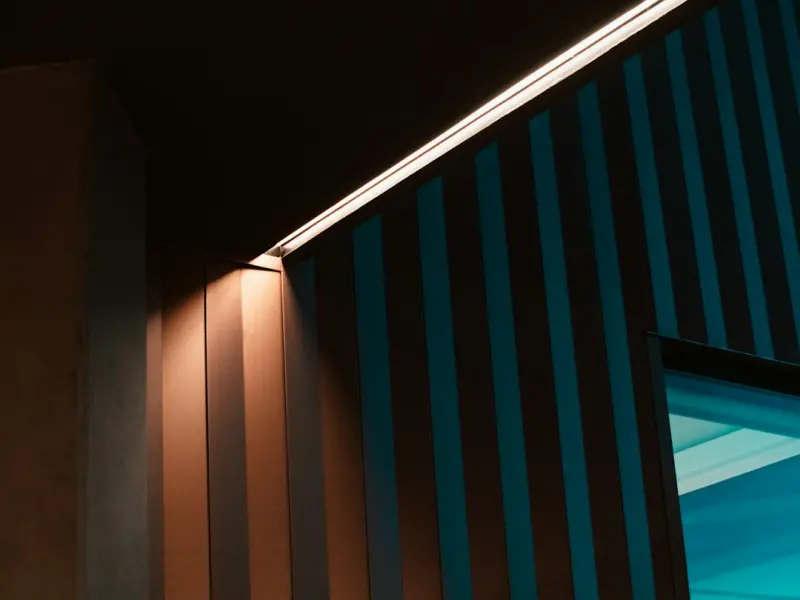
The Hidden Power of Home Light: How to Shape Mood, Productivity, and Energy
Learn how to use color temperature, layered lighting, and simple smart controls to turn every room into a space that supports mood, productivity, and well‑bei...Read More
0 Comments
Post Comment
You will need to Login or Register to comment on this post!