
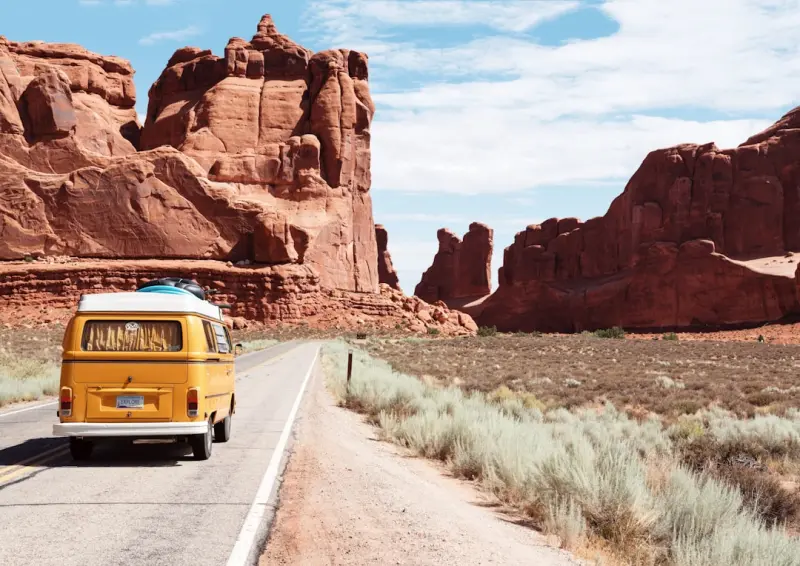
From Desk to Destination: Crafting a Mobile Creative Studio on the Road
There’s a whisper in the coffee‑shop corridors of every city I visit: “What if you could bring your office, your studio, and your inspiration kit together, and let the world be your coworking space?” I’m Paul Flynn, and after a decade of hopping between conference rooms and airport lounges, I finally stopped treating travel as a series of logistics and started treating it as a living, breathing canvas for my work.
Why the Traditional “Work‑Travel” Model Is Stifling
Most professionals view travel through a binary lens: either you’re on a business trip with a rigid agenda, or you’re a tourist ticking off attractions. Both approaches force you into pre‑set structures that kill spontaneity. The business‑trip mindset shackles creativity with meeting‑centric calendars, while the tourist mindset often relegates work to the back‑burner, creating a guilt‑laden split‑personality.
What if you could dissolve that split? What if the act of moving from city to city became the catalyst for new ideas, rather than a distraction? The answer lies in designing a mobile creative studio—a lightweight, adaptable system that turns any corner of the globe into a productive, inspirational space.
Core Principles of a Mobile Creative Studio
- Portability over Power: Choose tools that pack small but punch hard. A 13‑inch ultrabook with a detachable keyboard, a compact DSLR or mirrorless camera, and a portable SSD are the trifecta of power‑to‑weight ratio.
- Modular Workflow: Build a workflow that can be broken into bite‑size modules—research, ideation, execution, and review—so you can pick up where you left off, no matter the time zone.
- Environment‑Driven Inspiration: Let the surroundings inform your work. A bustling market in Marrakech can inspire a bold color palette; a quiet fjord in Norway can shape a minimalist UI.
- Digital‑First Yet Analog‑Friendly: While cloud‑based tools keep your files synced, a physical sketchbook or notebook ensures you can capture ideas when screens are inconvenient.
Setting Up Your Mobile Toolkit
Below is the exact kit I travel with, refined after countless missed flights and cramped train compartments. Feel free to swap items based on your discipline—designer, writer, marketer, or developer.
- Hardware
- Lightweight laptop (e.g., MacBook Air M2 or Dell XPS 13) with a 256 GB SSD.
- Portable monitor (10‑inch USB‑C) for dual‑screen workflows on the go.
- Compact external SSD (1 TB) for high‑resolution assets.
- Smartphone with a high‑quality camera (iPhone 15 Pro, Google Pixel 8).
- Travel‑size tripod and a set of ND filters for on‑the‑fly photography.
- Software
- Cloud‑based suite (Google Workspace, Notion, Figma) for instant sync.
- Offline‑first apps (Obsidian, Bear) for moments without Wi‑Fi.
- AI‑enhanced tools like generative search assistants to quickly surface reference material.
- Physical Supplies
- Hardcover sketchbook (A5) and a set of fineliner pens.
- Travel‑size portable whiteboard (magnetic dry‑erase sheet) for rapid brainstorming.
- Noise‑cancelling earbuds for focus in noisy cafés.
Choosing the Right Work‑Friendly Spots
The world is full of unexpected co‑working havens. Here’s how I scout them:
- Leverage Transit Hubs: Airports aren’t just for layovers; they’re modern workspaces with power outlets, high‑speed Wi‑Fi, and a surprisingly calm atmosphere early in the morning. Why the Airport Terminal Is the Ultimate Remote‑Work Playground dives deeper into turning terminals into productivity zones.
- Café Curations: Look for cafés that display a menu of specialty coffees and have a “quiet corner” policy. The ambient hum of espresso machines can become a rhythmic backdrop for focused sprints.
- Co‑working Pop‑ups: Many cities host temporary co‑working spaces in art galleries or boutique hotels. These spaces often blend design inspiration with robust infrastructure.
- Public Libraries: Underrated and often overlooked, libraries provide free Wi‑Fi, private study rooms, and a quiet atmosphere that rivals any paid coworking desk.
Turning Travel Moments into Creative Fuel
Every journey offers sensory data—sights, sounds, tastes—that can be distilled into tangible creative output. Here’s a practical workflow I use:
- Capture in Real Time: As you walk through a new neighborhood, snap photos of textures, patterns, or color schemes that catch your eye. Use your phone’s RAW mode to preserve detail.
- Micro‑Notes: Open your sketchbook or a note app within five minutes and jot down the emotion or story the scene evokes. A phrase like “rain‑kissed neon in Shibuya” can later become a tagline.
- Immediate Ideation: Spend 10 minutes on a portable whiteboard drafting quick concepts that tie the visual cue to your current project—whether it’s a UI theme, a marketing campaign, or a blog layout.
- Organize & Sync: At the end of the day, upload photos to your cloud storage, tag them with location and mood, and integrate them into a mood board in Figma or Miro.
Case Study: A Week in the Alps as a Brand Refresh Sprint
Last winter I set out for a five‑day trek through the Swiss Alps with the goal of revamping a SaaS brand’s visual identity. Instead of booking a static conference room, I let the mountains dictate the rhythm.
- Day 1 – Alpine Arrival: I used the chalet’s communal lounge as a brainstorming hub. The stark white snow against dark pine inspired a high‑contrast color palette.
- Day 2 – Cable Car Insights: While soaring above valleys, I sketched quick wireframes on a laminated sketchpad, using the motion to think in “elevated” terms—layers, depth, and hierarchy.
- Day 3 – Trail Reflections: A quiet hike gave me space for micro‑break mastery, a concept I later linked to Micro‑Break Mastery. I noted how the rhythmic crunch of snow underfoot helped me iterate on copy in 5‑minute bursts.
- Day 4 – Village Workshop: I hosted an impromptu feedback session with local artisans, gathering perspectives on visual storytelling. Their emphasis on handcrafted detail nudged the brand toward a more tactile feel.
- Day 5 – Synthesis at the Summit: At the peak, I pulled all my notes, photos, and sketches into a single presentation, finalizing the brand refresh within a 90‑minute sprint.
The result? A brand identity that feels as crisp and invigorating as alpine air—proved by a 23 % lift in engagement after launch.
Balancing Connectivity and Disconnection
One of the biggest challenges for the traveling creator is staying connected enough to meet deadlines while also preserving the mental bandwidth needed for genuine creativity. Here are three tactics I rely on:
- Scheduled “Digital Sunsets”: At the end of each workday, I turn off all internet‑enabled devices for a set period (often two hours) to let ideas settle.
- Local SIM Cards + VPN: Rather than relying on hotel Wi‑Fi (which can be spotty or insecure), I use a local SIM with a robust data plan, coupled with a VPN for secure access to corporate resources.
- Task Batching by Locale: I group all location‑dependent tasks—like photographing local venues or meeting with regional partners—into one dedicated time block, freeing the rest of the day for deep work.
Monetizing the Mobile Studio: Turning Your Travels Into Revenue
If you’re wondering whether this lifestyle is sustainable, the answer is a resounding yes—if you structure your services correctly. Here are three revenue streams that naturally align with a mobile creative studio:
- Remote Consulting Packages: Offer tiered consulting that includes a “Travel‑Inspired” audit—where you evaluate a client’s brand against global visual trends you’ve gathered on the road.
- Content Licensing: Curate a library of travel‑shot assets (photos, video loops, soundscapes) and license them to brands for campaigns. Platforms like Storyblocks make this easy.
- Live Workshops & Webinars: Host live, location‑based workshops (e.g., “Designing with Mountain Light”) that you stream to an audience. Participants pay for the unique perspective only a traveler can provide.
Future‑Proofing Your Mobile Practice
Technology continues to shrink the gap between “office” and “anywhere.” As AI‑driven assistants become more adept at summarizing research, generating mood boards, and even drafting copy, the only thing you’ll need to bring is your unique perspective. Keep an eye on emerging tools like generative image models that can instantly turn a snapshot of a street market into a set of brand assets, and integrate them into your workflow.
In the meantime, remember that the most powerful engine of your mobile studio is curiosity. The next time you find yourself waiting for a train, ask: “What story does this moment want to tell?” The answer will likely become the seed of your next breakthrough project.
Putting It All Together: Your First 48‑Hour Mobile Studio Sprint
Ready to test the concept? Here’s a quick starter plan:
- Day 1 – Arrival & Setup (2 hrs): Choose a café with power and Wi‑Fi. Unpack your kit, sync devices, and outline a three‑task sprint (research, ideation, execution).
- Day 1 – Exploration (3 hrs): Walk around the neighborhood, capture photos, and take micro‑notes on sensations.
- Day 1 – Ideation Session (1 hr): Use a portable whiteboard to draft concepts, linking visual cues to your project goals.
- Day 2 – Deep Work (4 hrs): In a quieter spot (library or hotel lounge), flesh out the best concept, using cloud tools to iterate.
- Day 2 – Review & Share (1 hr): Record a short video walkthrough of your progress, upload to a client folder, and schedule a feedback call.
Within 48 hours, you’ll have a tangible output—complete with authentic, location‑infused visual assets—that feels fresher than any desk‑bound brainstorm.
Conclusion: The Journey Is the Canvas
Travel isn’t just a backdrop for work; it’s a catalyst that reshapes how we think, create, and deliver. By building a mobile creative studio, you transform every airport terminal, café, or mountain pass into a fertile ground for innovation. The world is already full of ideas—your job is to collect them, curate them, and turn them into work that stands out in a crowded market.
So pack light, stay curious, and let the road be your next boardroom.

Paul Flynn is a versatile freelance writer equipped with a diverse skillset and a portfolio that reflects his wide-ranging interests and expertise. From crafting compelling website copy and engaging blog posts to delivering in-depth articles and meticulously researched reports, Flynn demonstrates a remarkable ability to adapt his writing style to suit various audiences and purposes.
Related Posts

The AI‑Powered Path to Authentic Travel Experiences
Travel is evolving from static itineraries to dynamic, AI‑guided journeys that blend data storytel... Read More
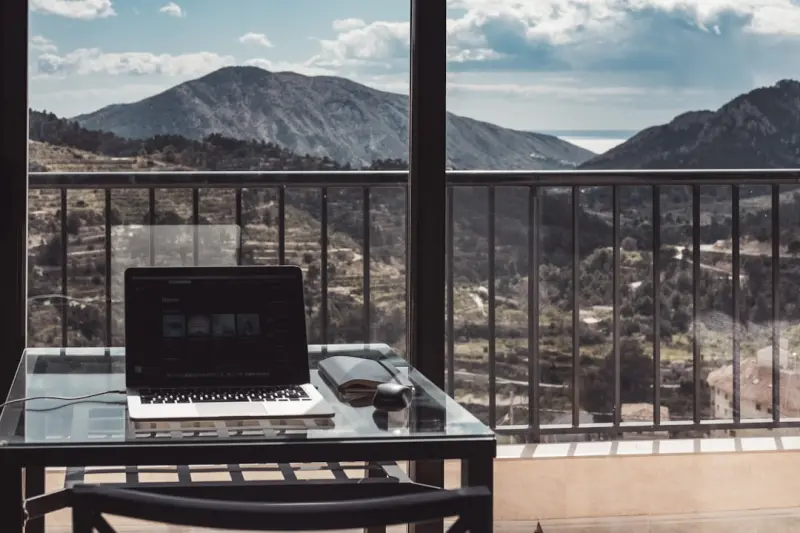
The Remote‑First Retreat: Designing Work‑Friendly Getaways for Modern Professionals
Discover the art of remote‑first retreats—strategically designed trips that combine productive w... Read More

Why the 48‑Hour Weekend Getaway Is the New Power Move for Knowledge Workers
A 48‑hour weekend escape offers a strategic reset for knowledge workers, blending minimal planning... Read More
Top Posts

Ambient Computing: The Silent Engine Powering Modern Enterprises
Ambient computing embeds intelligent services into everyday tools, creating seamless, context‑aware experiences that boost efficiency and innovation across th...Read More

The Hidden Health Benefits of Structured Micro‑Breaks for Knowledge Workers
A personal guide from Michelle Fisher on why brief, structured pauses throughout the workday can transform physical health, mental focus, and even reduce home e...Read More

Screen Fatigue: Why Our Devices Are Draining Our Health—and What to Do About It
Screen fatigue silently erodes mental clarity, sleep quality, and physical health. This guide outlines practical habits, environmental tweaks, and data‑driven...Read More

Inside Google’s Quiet Revolution: How Generative AI Is Rewriting Enterprise Knowledge Work
Discover how Google’s Gemini Knowledge Layer empowers B2B SaaS teams to turn fragmented data into real‑time insights, enabling smarter decisions, faster sup...Read More
0 Comments
Post Comment
You will need to Login or Register to comment on this post!