
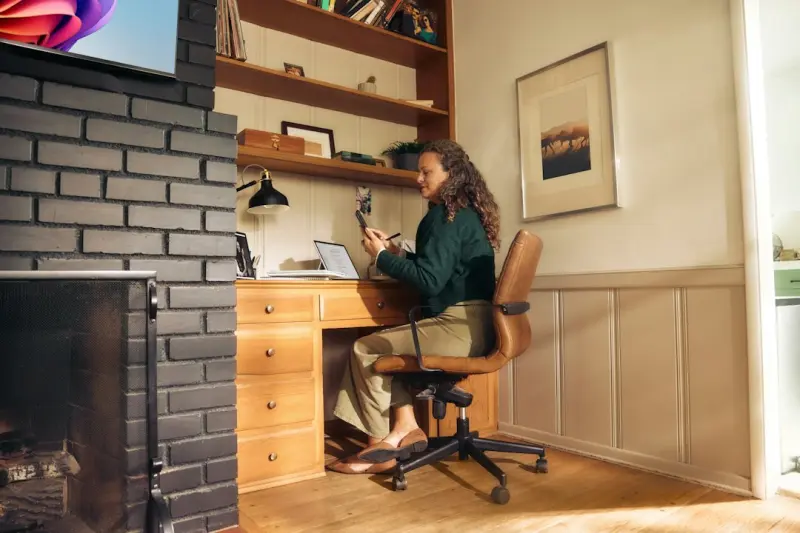
Why Your Home Office Needs a Refresh (And How to Do It Without a Big Budget)
When I first swapped my cramped kitchen table for a dedicated workspace, the change felt like stepping into a new world. Suddenly, the endless scroll of emails, the constant ping of notifications, and the lingering scent of coffee blended into a rhythm that actually supported my flow. It wasn’t magic, and it certainly wasn’t a $2,000 ergonomic chair. It was a series of intentional, low‑cost tweaks that turned a noisy corner into a productivity hub.
Start With the Space You Have
The first mistake many remote workers make is assuming they need a whole new room. The truth? You can re‑imagine any nook—the hallway closet, the foot of the bed, even a sunny windowsill. The key is to assess three things: function, flow, and focus. Ask yourself:
- What tasks will I do here most often?
- How can I keep the space tidy without constant reorganizing?
- What visual cues will help me switch into “work mode”?
Answering these questions gives you a blueprint that fits the space, not the other way around.
Define Zones With Simple Furniture
Instead of a single monolithic desk, think in zones. A narrow console can serve as a laptop station, a sturdy bookshelf can double as a filing cabinet, and a small stool can become a brainstorming perch.
Here’s a quick zone‑setup you can try in under an hour:
- Primary work zone – a slim desk or wall‑mounted table for your computer and essentials.
- Reference zone – a floating shelf for notebooks, a tablet stand, and a few inspirational items.
- Break zone – a comfy floor cushion or a compact chair where you can stretch or read a quick article.
By separating these functions, you reduce visual clutter and give your brain clear signals about when it’s time to focus and when it’s time to relax.
Lighting: The Unsung Hero
Most of us underestimate how much lighting influences productivity. Harsh fluorescent bulbs can cause eye strain, while dim lamps signal “time to wind down.” Aim for a balanced mix:
- Ambient light – natural daylight is best. Position your desk near a window, but avoid glare on the screen.
- Task lighting – a small LED desk lamp with adjustable brightness helps during late‑evening sessions.
- Accent lighting – a warm floor lamp or a string of soft bulbs can make the space feel inviting without overwhelming the senses.
If you’re concerned about energy usage, check out our home energy savings guide for quick tweaks that keep your electric bill low while still delivering the right illumination.
Color Psychology Without a Full Paint Job
Changing wall colors is a big commitment, but you can introduce hue through accessories. Studies show that:
- Blue promotes concentration.
- Green reduces stress and improves creativity.
- Yellow can boost optimism but should be used sparingly to avoid overstimulation.
Consider adding a blue ceramic mug, a green plant, or a yellow desk organizer. These small pops of color can subtly shift your mood without the mess of a fresh coat of paint.
Declutter With the “One‑In, One‑Out” Rule
Clutter is the silent productivity killer. The “one‑in, one‑out” rule is a gentle way to keep things in check: for every new item you bring into the workspace, remove an older one. This could be an old notebook, a stack of outdated printouts, or a decorative piece that no longer serves a purpose.
To make the process less painful, create a “discard box” that you empty monthly. Over time you’ll notice the desk surface staying clear, and your mind will feel lighter.
Integrate Technology Thoughtfully
While I love the idea of high‑tech gadgets, the best home office setup is one where technology serves you, not the other way around. Here are three low‑budget tech habits that boost efficiency:
- Keyboard shortcuts – Spend 10 minutes a week mastering shortcuts for the apps you use most. It saves seconds that add up.
- Browser tab manager – Use a free extension that groups related tabs, reducing visual overload.
- Digital note‑taking – A simple note app synced across devices can replace scattered sticky notes.
If you crave deeper system‑level improvements, our post on simple home systems for calm offers a roadmap to align daily habits with your workspace design.
Acoustic Comfort: Taming the Noise
Even the most beautiful office can be undone by a constant backdrop of traffic, barking dogs, or the hum of a refrigerator. Acoustic comfort doesn’t require costly soundproofing. Try these tricks:
- Rugs and curtains absorb sound, especially on hard‑floored rooms.
- White‑noise apps or a small tabletop fan can mask distracting noises.
- Headphone “focus” playlists – instrumental or lo‑fi beats keep the brain in the zone.
Ergonomics on a Shoestring
You don’t need a premium standing desk to improve posture. Here’s how to make what you have ergonomically friendly:
- Screen height – Use a stack of books or a cheap monitor riser so the top of the screen sits at eye level.
- Keyboard angle – A small wedge (even a folded piece of cardboard) can tilt the keyboard upward, reducing wrist strain.
- Chair support – Add a lumbar pillow or a rolled‑up towel to the small of your back.
These tweaks cost under $20 but can prevent hours of discomfort.
Personalize With Purpose
Personal touches keep you emotionally attached to the space. However, purpose matters. A family photo can inspire, but a cluttered gallery wall can become a visual distraction. Choose items that align with your work goals:
- A small trophy or award that reminds you of a professional win.
- A vision board with quarterly goals.
- A favorite quote printed on a sticky note placed near the monitor.
Maintain the Momentum
All the setup in the world won’t help if you revert to old habits. Set a 5‑minute end‑of‑day routine:
- Close all apps and log out of accounts.
- Wipe the desk surface with a microfiber cloth.
- Place any loose items back in their designated zones.
- Turn off the main light and switch to a softer lamp for a clear mental transition.
This simple ritual signals to your brain that the workday is over, helping you shift to personal time without lingering stress.
Final Thoughts: Small Steps, Big Gains
Transforming a home office doesn’t have to be a massive project. By focusing on functional zones, lighting, color, decluttering, and purposeful personalization, you create an environment that nudges you toward focus, creativity, and well‑being. Remember, the goal isn’t a picture‑perfect studio; it’s a space that serves you day after day, with minimal upkeep and maximum comfort.
Ready to start? Pick one of the suggestions above, implement it tonight, and notice the difference tomorrow. Your most productive self is already waiting in that modest corner—just needs the right backdrop.

Karen Edwards is a seasoned freelance writer with a passion for all things furry, feathered, and scaled. With a dedicated focus on pets, she brings a wealth of knowledge and a keen eye for detail to her writing.
Related Posts

Eco‑Smart Laundry Hacks: Slash Bills and Shrink Your Footprint
Learn how simple changes—like optimizing load size, choosing cold‑water cycles, and air‑drying... Read More

Seasonal Weatherization: Low‑Cost Tricks to Keep Your Home Comfortable Year‑Round
Learn a step‑by‑step, year‑round weatherization plan that saves money, improves comfort, and i... Read More
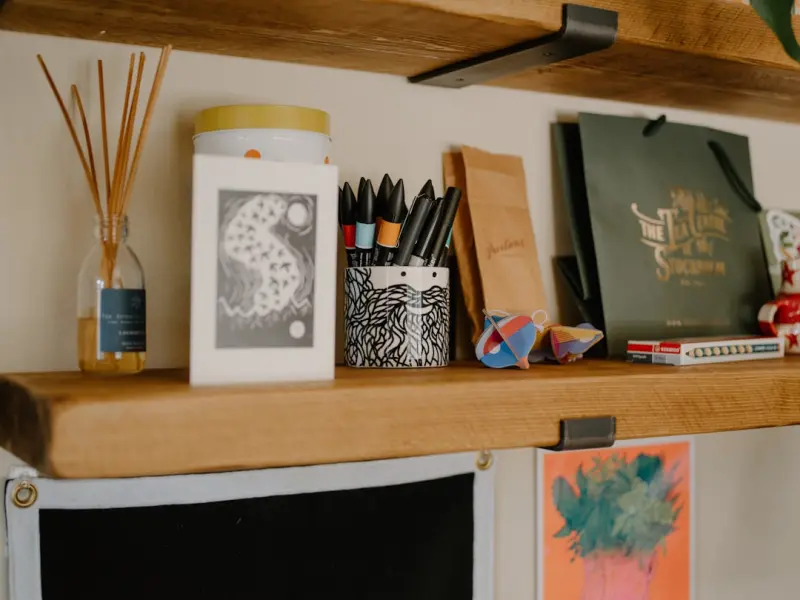
Sensory Home Hacks: Transform Your Space with Light, Sound, and Scent
Explore easy, affordable ways to elevate your home’s ambiance through strategic lighting, acoustic... Read More
Top Posts

Riding Google’s 2026 AI Wave: Strategies That Actually Work
A seasoned marketer reveals how to navigate Google’s 2026 AI wave, offering practical SEO, paid search, and privacy‑focused strategies that drive real resul...Read More

Zero‑Party Data: The Future of Privacy‑First Digital Marketing
Zero‑party data—information customers willingly share—offers B2B marketers a privacy‑first path to higher intent signals, personalized experiences, and ...Read More
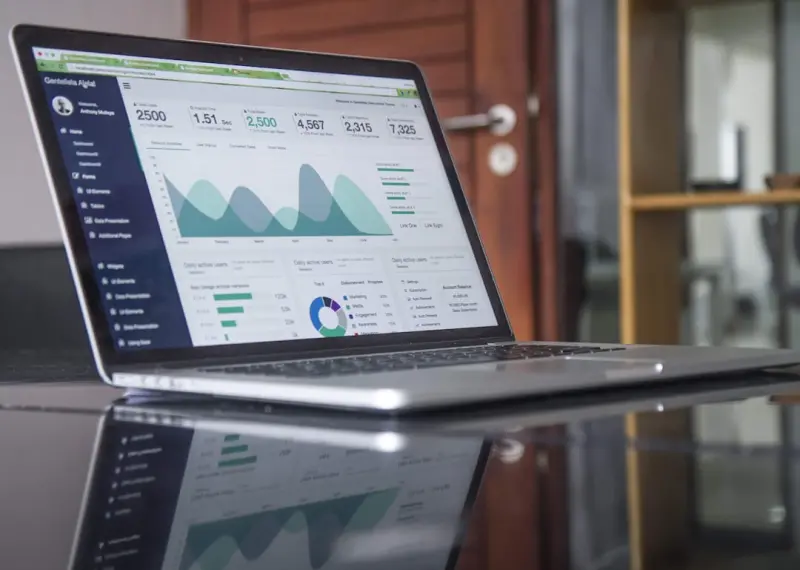
Micro‑Influencer Affiliate Networks: A New Frontier for Digital Marketers
Explore the untapped potential of micro‑influencer affiliate networks, where authentic storytelling meets data‑driven performance, delivering scalable ROI f...Read More

Edge Computing: The Quiet Revolution Powering Next‑Gen SaaS
Edge computing moves processing closer to data sources, delivering instant, context‑aware experiences. This post outlines the benefits, architecture, real‑w...Read More
0 Comments
Post Comment
You will need to Login or Register to comment on this post!